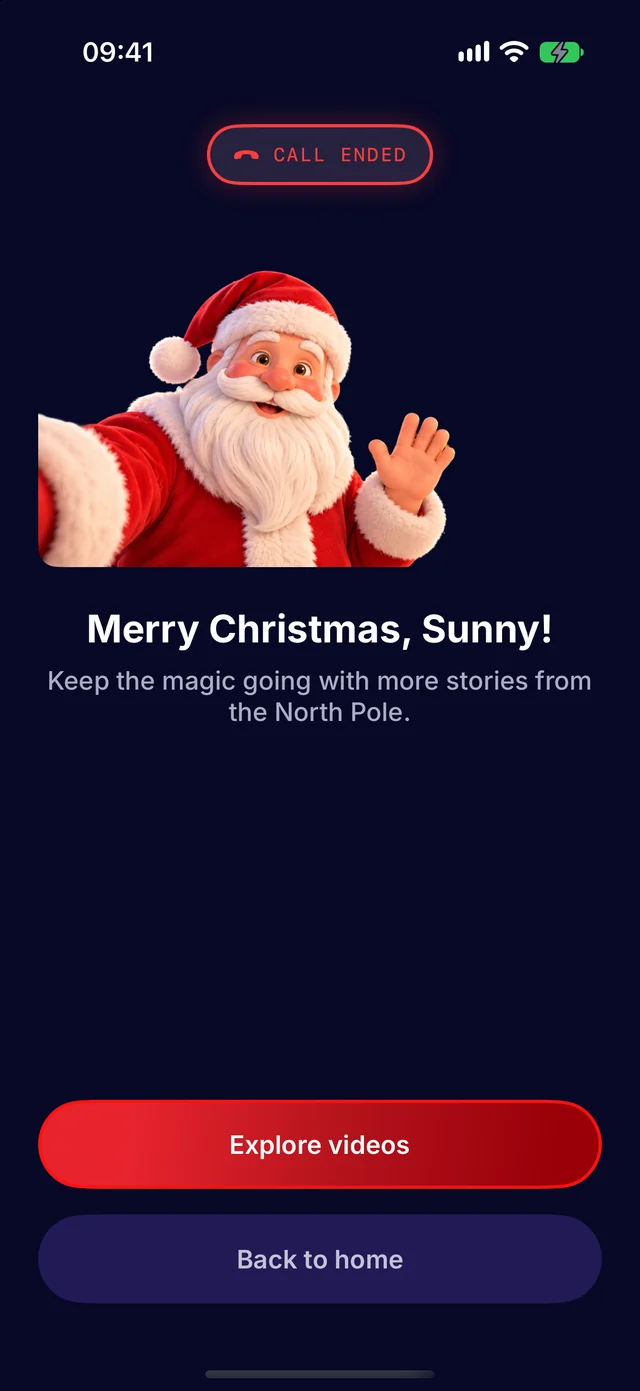
How it works
From the sofa to the North Pole
A few minutes to set up, then Santa takes it from there. Here is every step, as it looks in the app.
Step 1
Open the app and make an account
A grown-up signs up with an email address and agrees to the terms. Children never make accounts.
- A code by email confirms it is you
- Settings has log out and delete account
Step 2
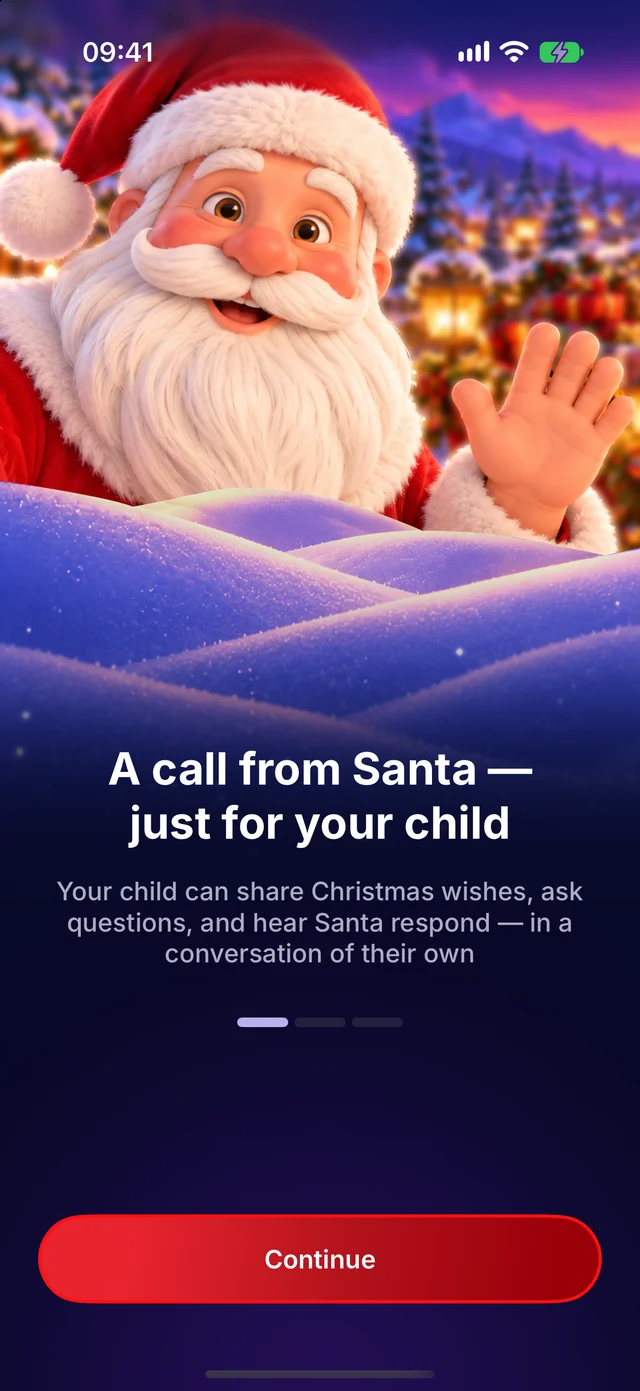
Tell Santa about your child
Six short questions, one screen each, with the elf keeping notes.
- A first name or nickname, and their age
- Up to three things they love
- What they’re proud of, the gifts Santa may mention, and a little surprise
Step 3
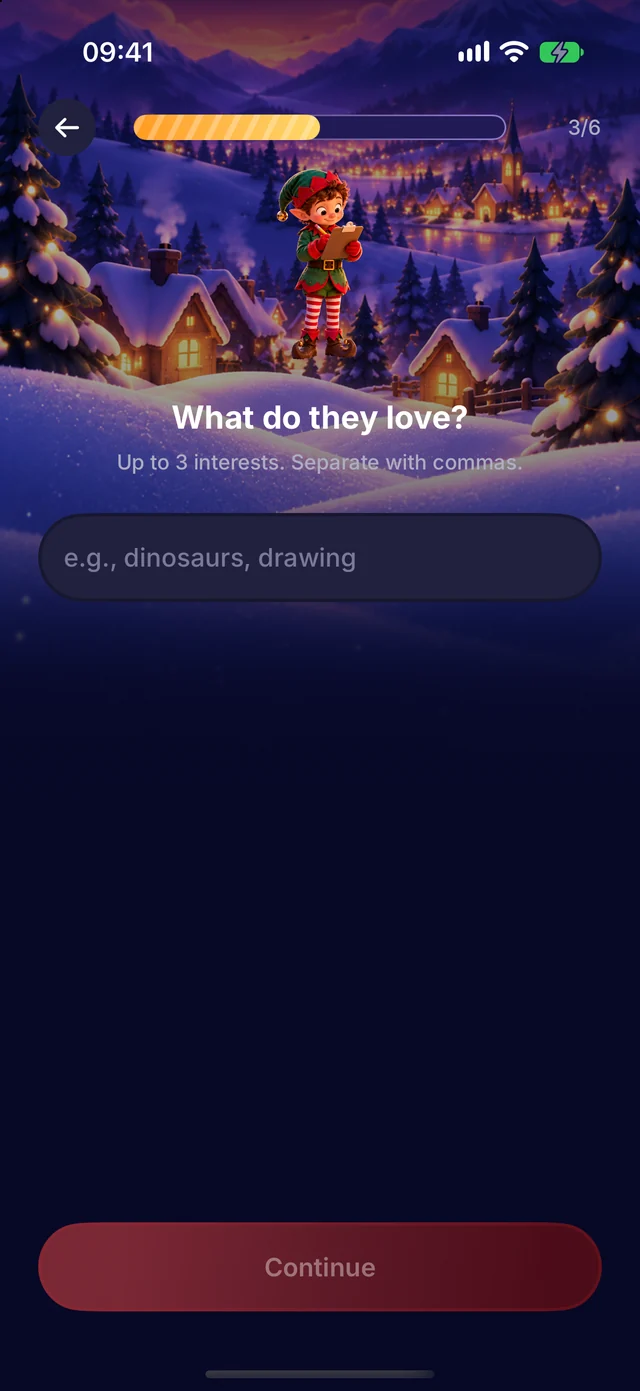
Check the details
Everything Santa may mention, on one page. Change any answer before you save.
- Each answer as a tag you can edit
- Leave a question for later if you like
Step 4
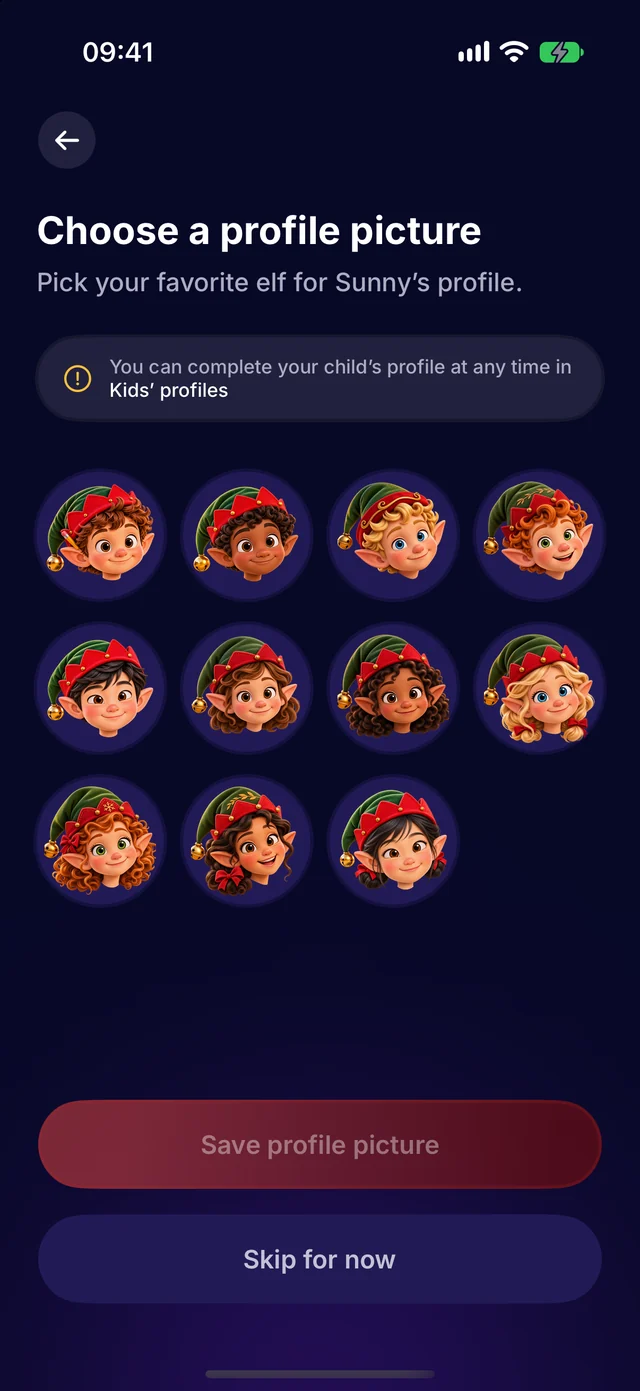
Pick their elf
Every child gets an elf of their own as their picture, so it is clear who’s talking.
- Twelve elves to choose from
- Change it later in Kids’ profiles
Step 5
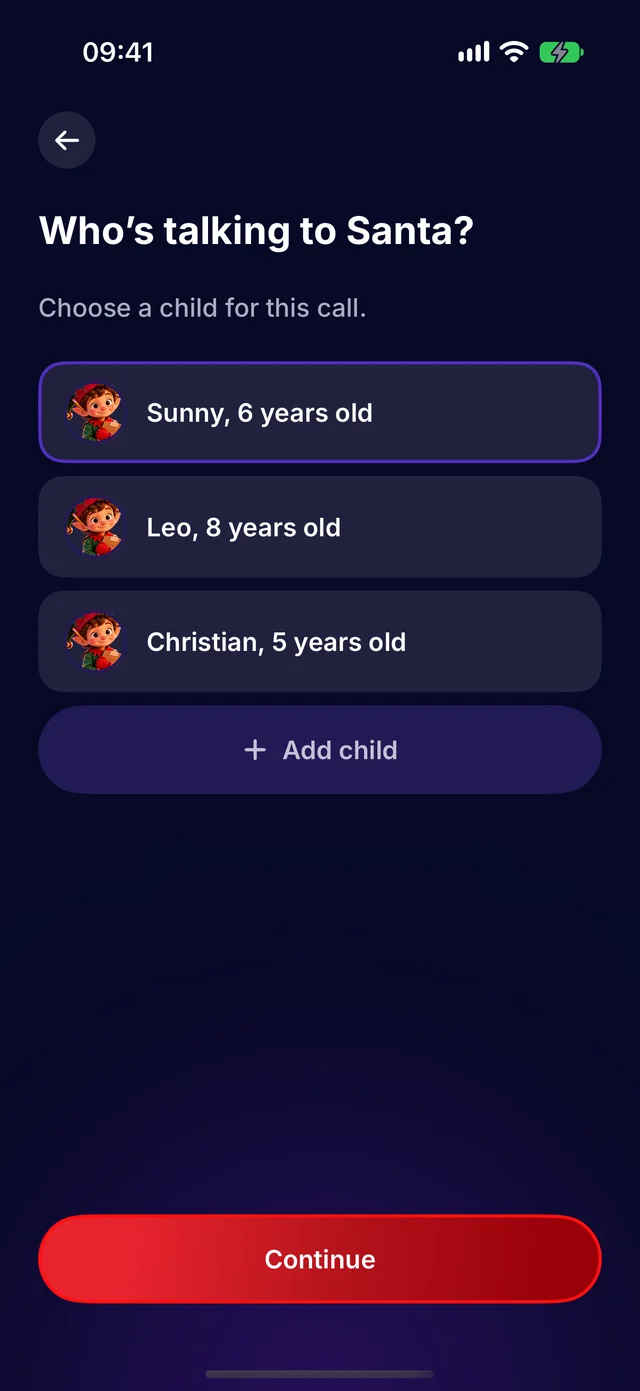
Choose who’s talking
With more than one child, pick who is calling Santa today.
- Each child’s own details for their call
- Add a child right from here
Step 6
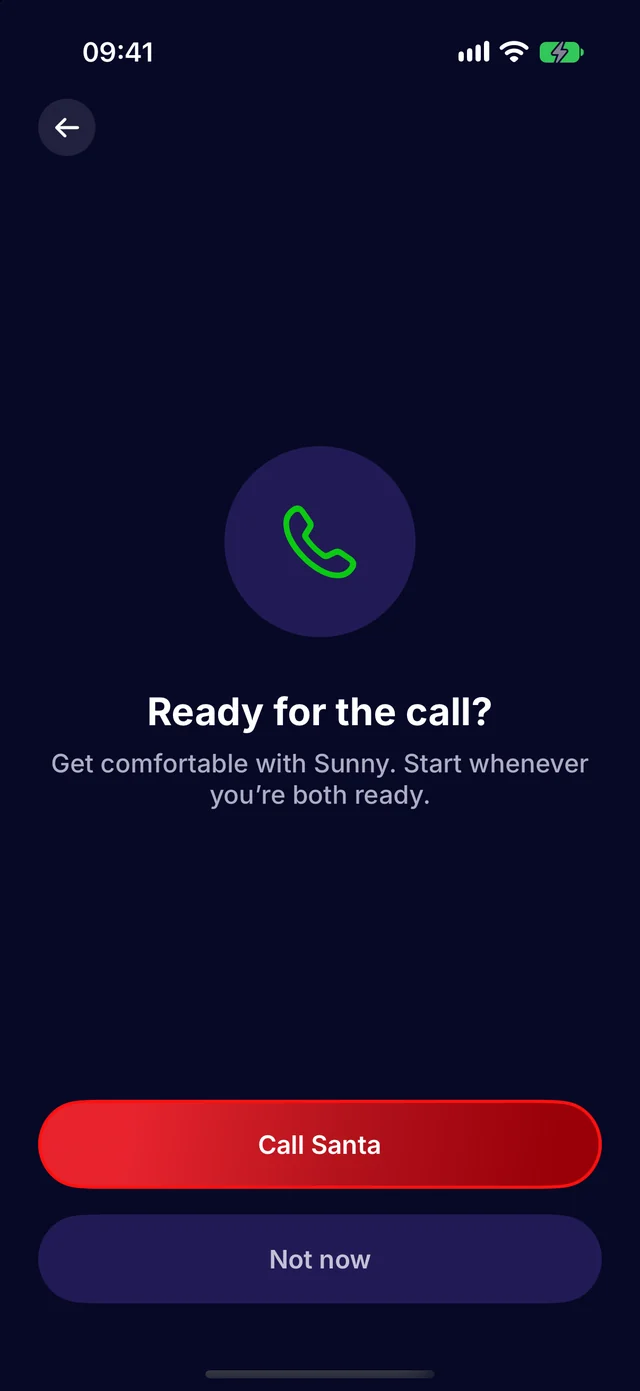
Call Santa
Get comfortable, then start the call whenever you and your child are ready.
- Up to five minutes with Santa
- End the call at any time
- Santa’s voice and replies are generated by AI.
Step 7
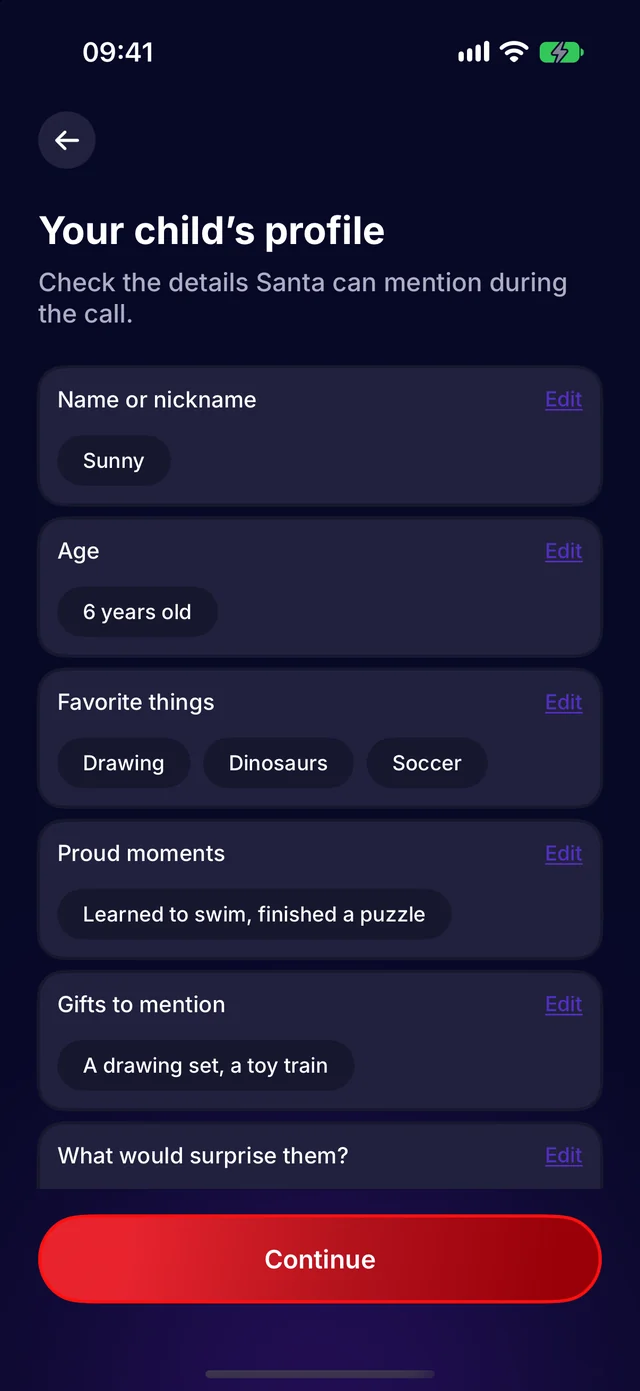
A merry goodbye
Santa says goodbye warmly at the end of the call, and the North Pole Stories are there to keep the magic going.
- Call again another day
- Watch a story together after